
iPhone and iPad
In your pocket on iPhone, on a big screen on iPad. Book while the client is standing there; reminder notifications on both.
For iPhone and iPadApp StoreSimplify appointment and client tracking, manage the team schedule together and see how busy the day is from a single screen.
14 days free · No credit card required
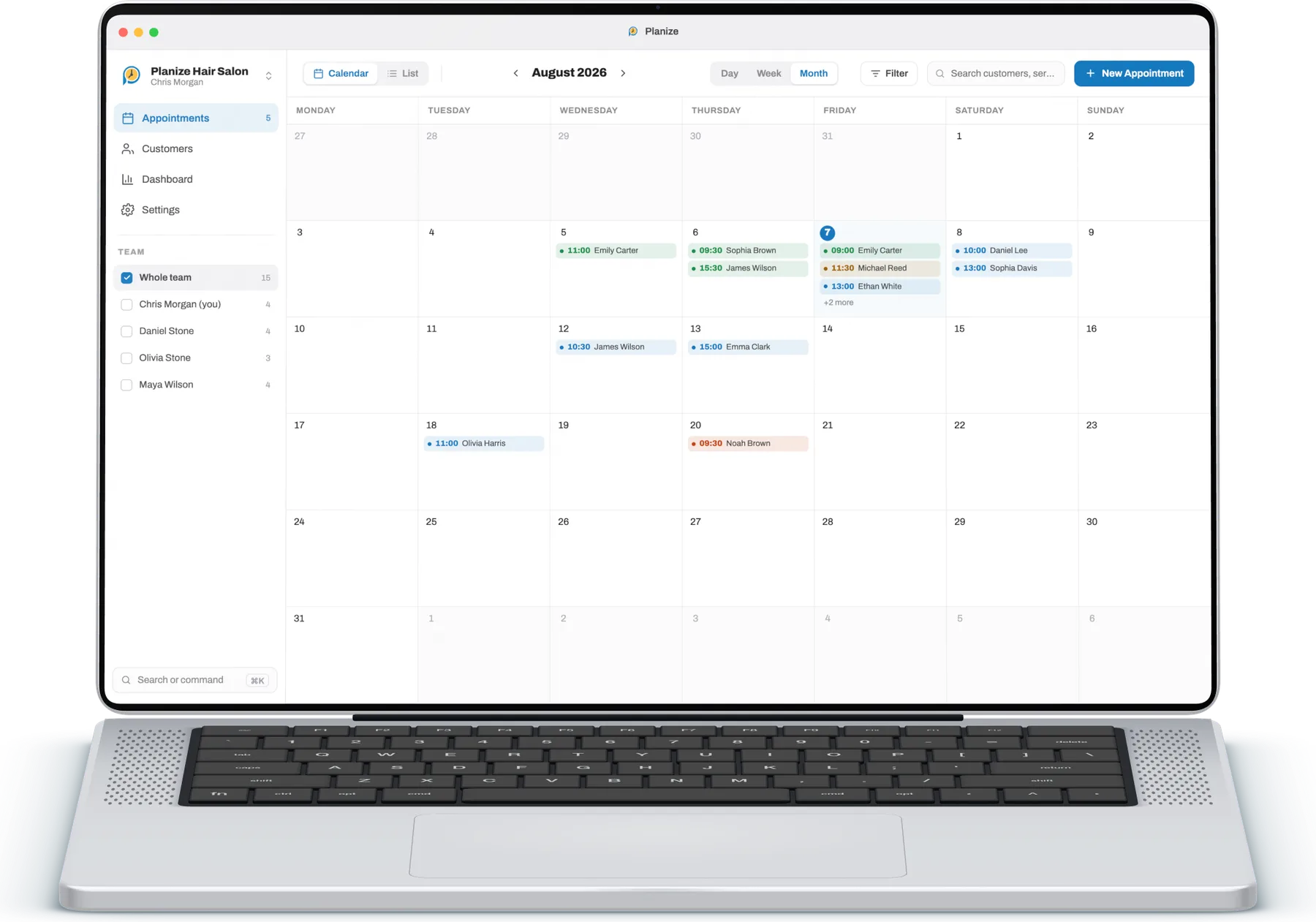
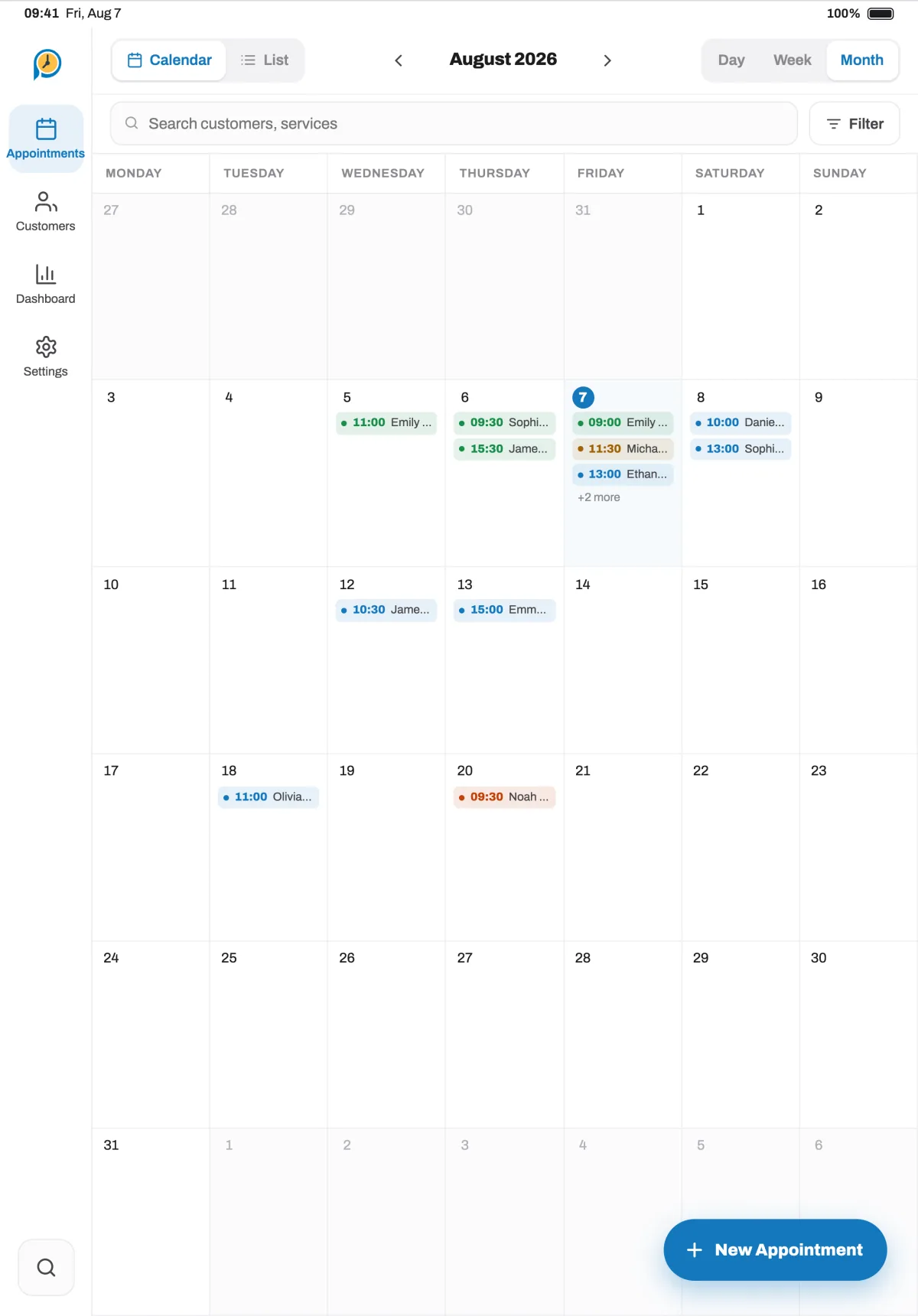
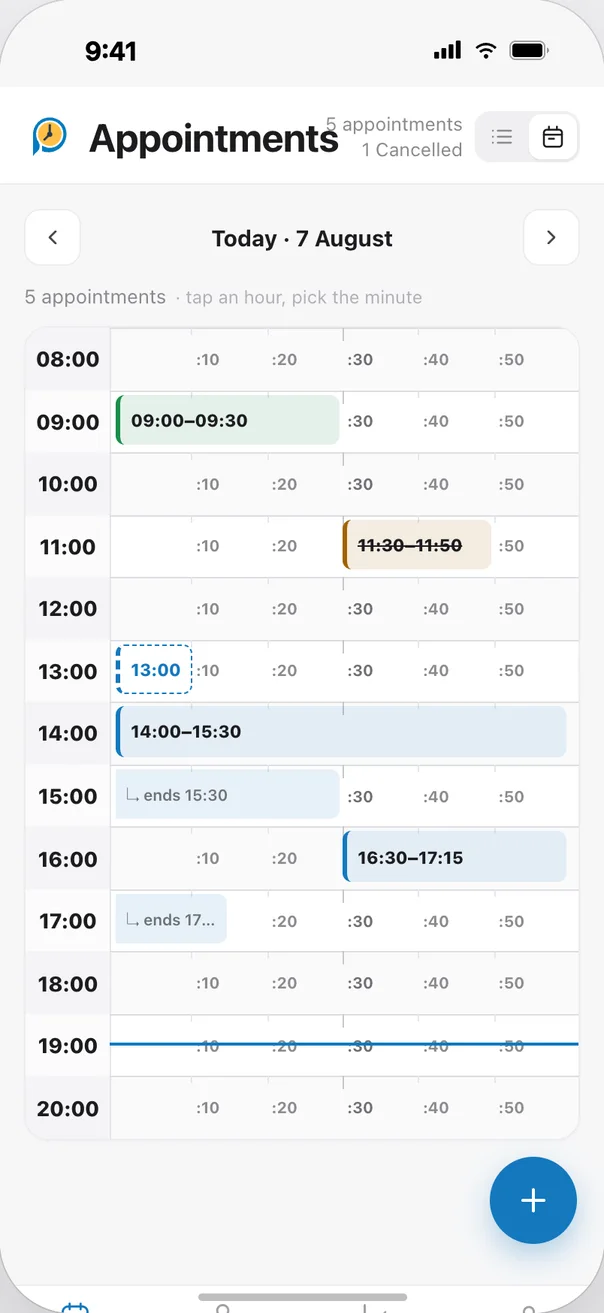
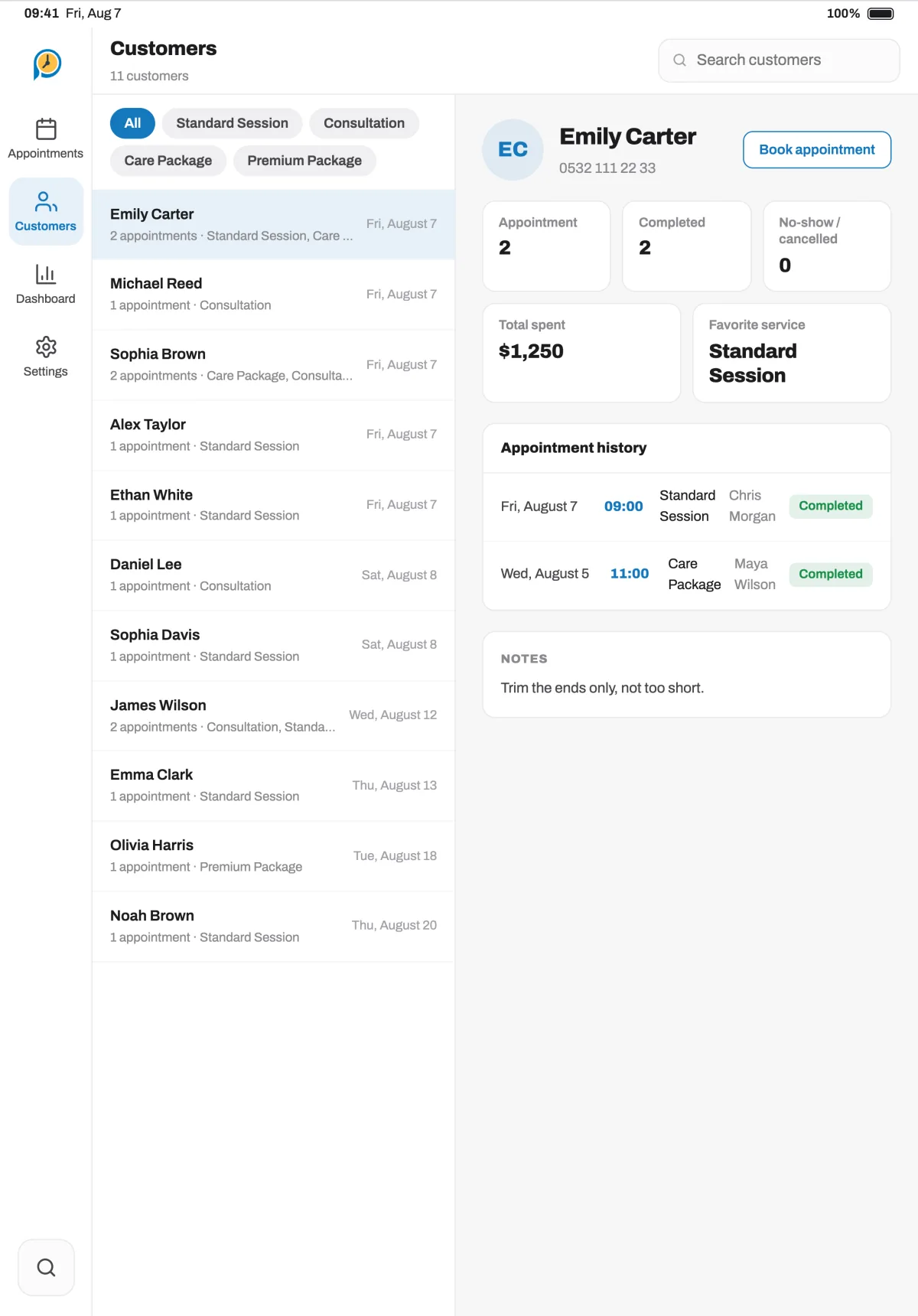
See a client's past and upcoming appointments in a single record. Use service and team filters to view the day's schedule in as much detail as you need. Planize is designed for your business's appointment flow, not as a medical record.

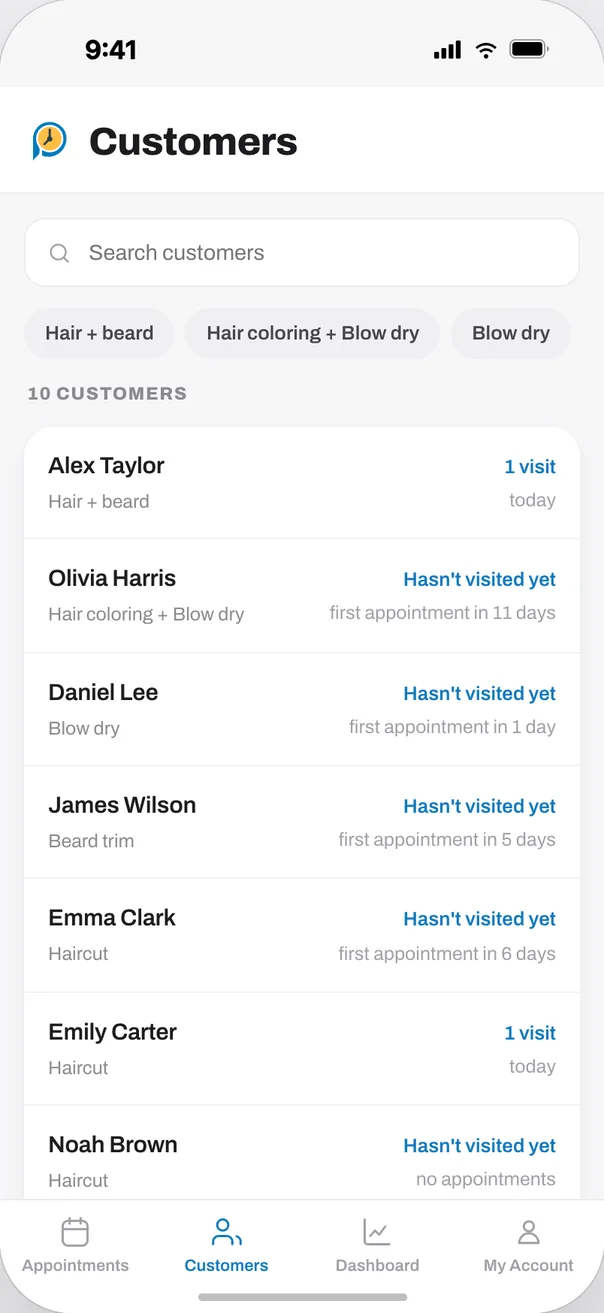
Sign in with the same account and your appointments, clients and team are identical everywhere. Start on your phone at the salon, continue on your computer at the desk.
In your pocket on iPhone, on a big screen on iPad. Book while the client is standing there; reminder notifications on both.
For iPhone and iPadApp StoreOn Android phones and large-screen tablets, and on AppGallery for Huawei devices.
Find it on Huawei AppGalleryFor AndroidGoogle PlayA roomy calendar, search with ⌘K and appointment reminders on your Mac.
For MacMac App StoreA roomy calendar, the Ctrl+K command palette and drag-and-drop planning.
For WindowsMicrosoft StoreNo. Planize is designed to organise your business's appointment and client flow; it is not an electronic health record system.
Yes. You can add team members, choose the services they provide and follow appointments in one shared business schedule.
Yes, it can. You can keep working with appointments when there is no connection and sync your changes to your account once it is back.
Every feature unlocked, no credit card required. Pick your device and add your first appointment in minutes.